$ acebox --manifesto 2026_
Microsites, not monoliths.
Sites, shops, chatbots and calls — light separate parts instead of one heavy system. We built and tested each of them on our own projects first.
// Manifesto
> Why we build small
Big systems were made to be assembled from ready parts and handed to anyone. That is exactly why they are heavy, slow and the number one target for attacks. AI changed the economics: a site written from scratch for one business now takes days, not months.
-
01 Made for you
Not a theme from a site builder — a site written for your business, with only what it needs.
-
02 Static by default
Ready-made pages: no program running on the server, no database, no plugins, no admin login to attack.
-
03 Fast
A handful of files per page instead of 100+. It opens at once — and Google notices.
-
04 Yours
Code in your GitHub, hosting on your account, full documentation. Any developer can take over — no lock-in to us or to any platform.
-
05 Less data, less risk
A showcase stores no personal data: form submissions go straight to your inbox. In a shop, card data stays with the payment provider. Hosting in the EU, GDPR pages included.
-
06 Edit in plain words
A showcase site you change by writing to us. In a shop, an AI assistant like ChatGPT or Claude prepares drafts of texts, pages and banners — you approve them.
// Toolkit
> Instead of a combine — a set of light tools
Each tool does one job and connects to the others; where an admin panel is needed, it’s its own and simple. Don’t need a chatbot — we don’t install it. Changed the payment provider — the rest doesn’t notice.
-
Showcase site
Ready-made pages that weigh kilobytes, not megabytes. No database, no plugins, no login to attack.
See it working: liraholistic.pl · puzzlore.com · acebox.eu
acebox.eu — 13 KB of code
-
Online shop
A light storefront and a separate admin panel: products, cart, customer accounts, Tpay payments (BLIK, cards), InPost, KSeF e-invoices, Allegro.
See it working: labelo.shop
demo shop: 74 KB of its own code
-
Chatbot
Twinlix: one script on the site. You set it up in its own admin — greeting, FAQ, a knowledge base from your documents and pages. The same assistant answers in Telegram, Instagram and Messenger, and you can take over any conversation.
See it working: twinlix.com
-
Calls & video
A voice agent answers calls and calls customers itself — the number is bought right in the Twinlix admin. Video avatars talk to visitors in the browser.
See it working: twinlix.com · ai.callyou.online · ai-avatar.acebox.eu
// vs WordPress
> Update and break it — or don’t update and take the risk
A typical WordPress site runs on a theme and 15–20 plugins from different authors, with updates every week. Each one has to be installed, or a hole stays open. Each one can break the site.
| Typical WordPress site | AceBox microsite | |
|---|---|---|
| Third-party code | Theme + 15–20 plugins | None |
| Security updates | Weekly, each can break the site | Nothing to update |
| Admin login on the site | Open to everyone | No login on the site |
| Database | Yes, with form submissions | None |
| Licenses | Paid plugins, every year | Not needed |
| What needs protecting | Site, server, plugins | Only your accounts |
↓ Compared for a showcase site. A shop adds payments and orders — see below.
Homepage on a phone
| Site | Files | CSS & JS files | Code weight |
|---|---|---|---|
| Client’s WordPress site, before moving | 120 | 104 | 265 KB |
| liraholistic.pl | 27 | 1 | 44 KB |
| puzzlore.com | 9 | 1 | 20 KB |
| acebox.eu — this page | 2 | 0 | 13 KB |
Our measurement in equal conditions, 16 October 2026. Code weight is HTML, CSS and JavaScript — the engine of the site. Photos and fonts are not counted: they are content and weigh the same on any platform.
// And online shops?
> Light where possible. Separate where needed.
A microsite doesn’t mean “no server at all”. It means no single program that does everything. In WordPress with WooCommerce the showcase, cart, payments, customers and twenty plugins live in one program and one database — a hole anywhere puts everything at risk, customer data included. We split a shop into small parts, each doing one job.
-
01
Showcase & catalog
Pages are rendered in advance and served from cache — fast, with no admin login on them.
-
02
Cart & checkout
Small interactive pieces on top of ready-made pages.
-
03
Payment
On the payment provider’s page: Tpay, Przelewy24, Stripe — BLIK and cards. Card data never touches your site.
-
04
Orders, stock, admin
A separate small service with its own login.
Three ways to sell — we pick the simplest that works
-
1. Showcase + “Buy” buttons
The product page leads to your shop on Etsy, Allegro or Amazon — they handle payment and delivery. Example: puzzlore.com sells through Etsy.
-
2. Our light shop
Light storefront, payment on the provider’s page, orders, customers and stock in a separate admin panel. Everything a shop needs — from BLIK to KSeF e-invoices. Example: labelo.shop, a demo shop on our engine.
-
3. Big platform
If a shop already runs on Shopware or WooCommerce, we support it — and show what moving would give. Example: kupchoinke.online on Shopware.
Shop homepage on a phone
| Shop | CSS & JS files | Code weight |
|---|---|---|
| labelo.shop — our engine | 8 | 169 KB |
| kup-choinke.pl — Shopware | 26 | 1 703 KB |
labelo.shop: 74 KB of its own code plus 95 KB of the Twinlix chat widget. Same measurement as above, 16 October 2026.
// Edits through AI
> You write to AI — it prepares the changes
You don’t have to dig through an admin panel. Write in plain words to ChatGPT, Claude or another AI assistant: it prepares the change as a draft, and you approve it. It works through MCP, an open standard that lets AI assistants work with other apps. Shops on our engine have their own MCP connector.
-
1
You write
A request in plain words, with a photo if needed — in the AI assistant you already use.
-
2
The connector prepares a draft
Our MCP connector creates a draft of the text, page, banner or SEO description. Nothing goes live without your permission.
-
3
You approve
One click in the admin. Or, if you allow it, the assistant publishes the draft itself.
- This way you edit texts, pages, banners and SEO — design and code stay safe.
- The AI sees customer data only masked — unmasked only with a separate permission.
- Showcase sites have no admin at all: just write to us what to change.
// Honest about trade-offs
> What to know in advance
Moving takes time
About a week for a new site. The old one keeps working until you approve the switch.
Design goes through a developer
In a shop, products, categories and texts you edit yourself. A showcase site, new blocks and layouts — through us or any other developer.
A new admin panel
The shop admin is simpler than WordPress, but it takes getting used to. We’ll show you around.
Account security is on you
What remains to protect is your accounts: strong passwords and, where possible, login confirmed on your phone.
// Work · AceBox × Axisway
> Sites, services and AI products — none on WordPress
# Sites & shops
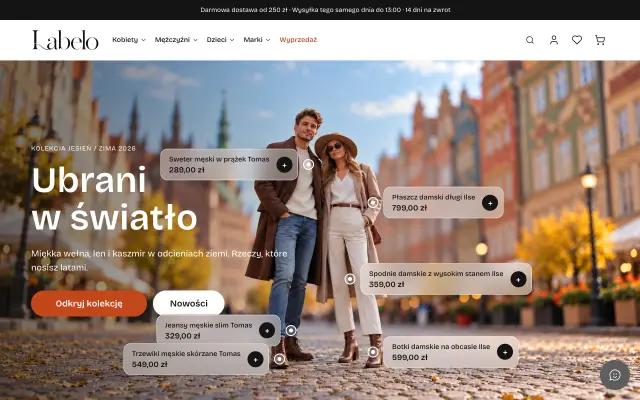
Clothing shop on our engine (demo): accounts, BLIK, InPost, AI chat

Beauty therapist: face and body therapy

Beauty salon, London
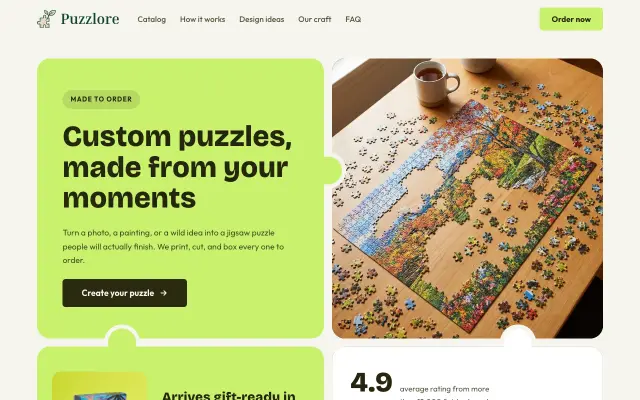
Custom jigsaw puzzles from your photos
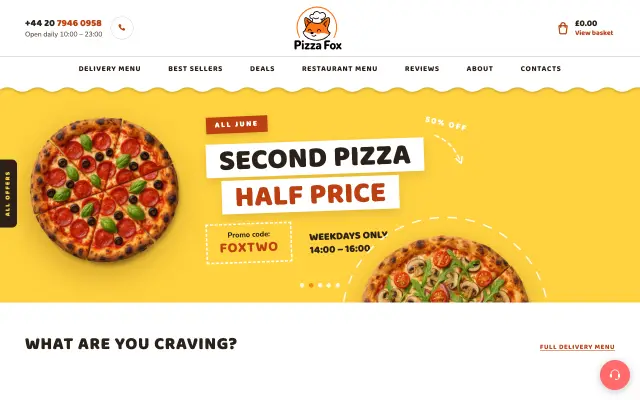
Pizzeria site with menu and basket (demo), London
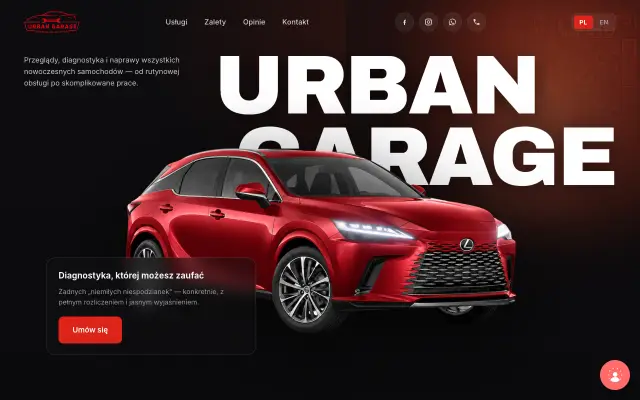
Toyota & Lexus car service
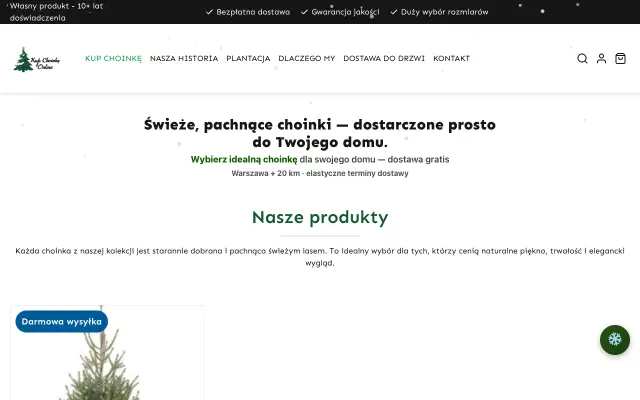
Online Christmas tree shop
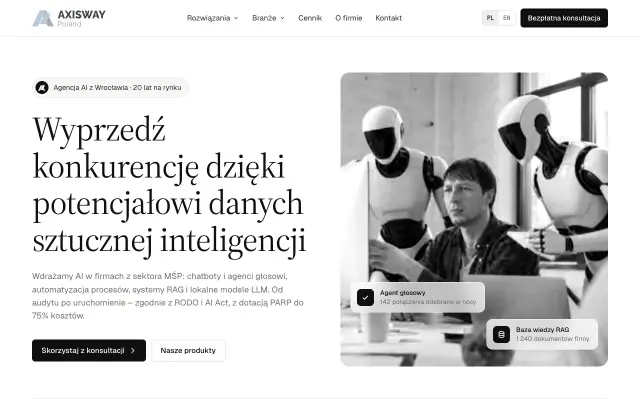
AI implementation studio
# AI products & demos
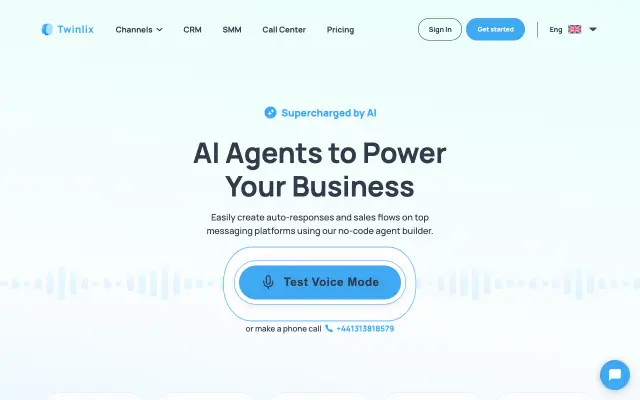
Platform for AI assistants and voice agents
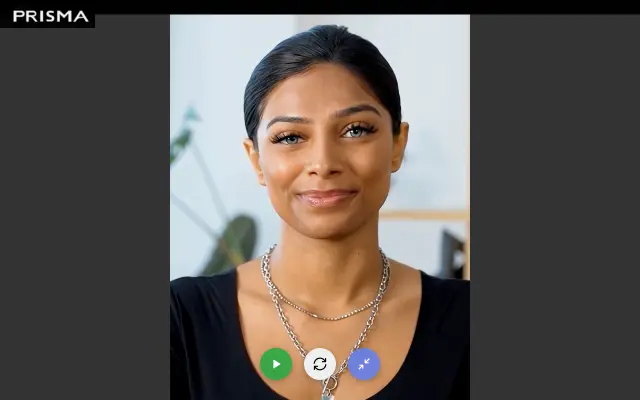
Video AI assistant for an online shop: talks and walks the visitor through the site (Tavus)

Video call with a talking AI character, right in the browser
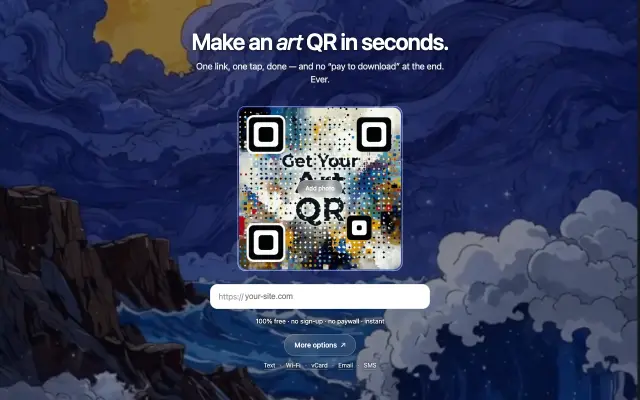
QR codes woven into AI-generated art
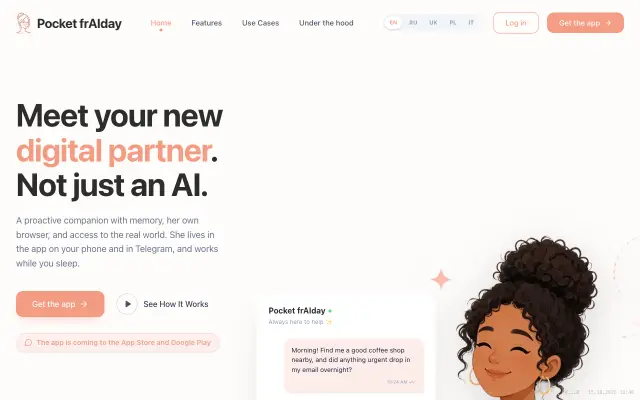
Personal AI companion
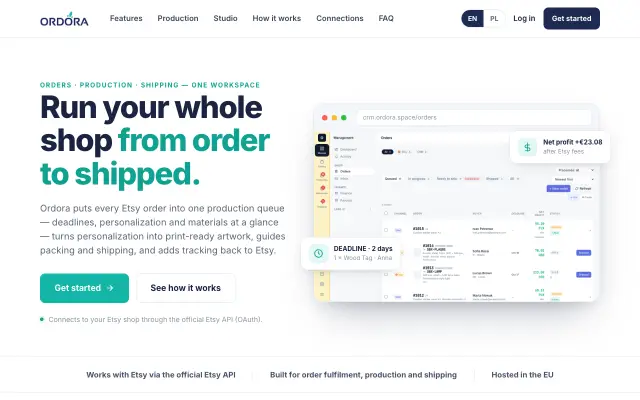
Order production for Etsy sellers
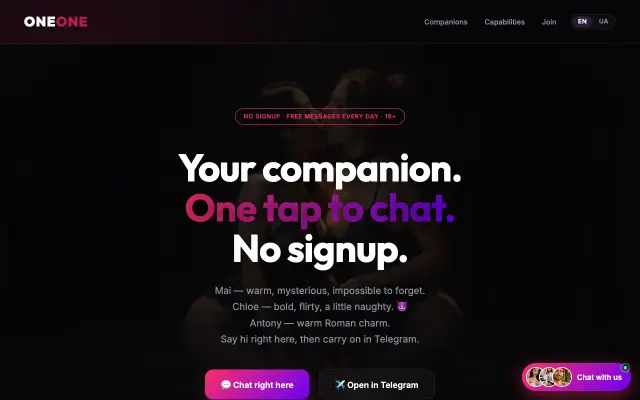
AI companions to talk to
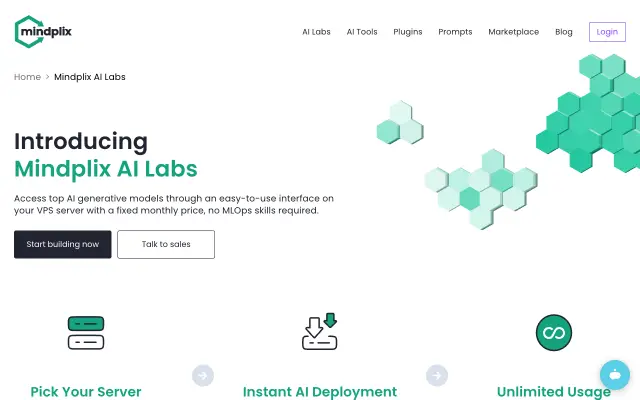
Your own AI models on your own server
// How we work
> AI writes the code. Engineers own it.
Claude Code
We write code with Claude Code on Claude Opus 5.5 — one of the strongest AI models for programming. What used to take months now takes days, and every line is reviewed.
LaneHub — open source
Our team and our AI assistants work together in Telegram through LaneHub. We built it ourselves and opened the code to everyone.
Our own server for private AI
Speech recognition, voice synthesis and image generation run on our own GPU server — it powers the callyou.online calls. When data shouldn’t go to third-party clouds, this is where it stays.
// Lab
> Earlier work & experiments
AceBox is a lab: we build and test products on ourselves before offering them to clients. Some of these grew into the products above; the WordPress ones were made before we moved to microsites.
- DM Voice Agent API platform for voice agents — the first version of our calls stack
- Appointi Booking apps for small businesses
- Asystenci24 AI agents for Polish businesses — the predecessor of Twinlix
- Lite QR Simple QR generator — the predecessor of getqr.art
- tg-collector Collects and structures data from Telegram channels
- Electron-S Computer and phone repair service, Kraków WordPress · before 2026
- Furrine Art project: AI imagery as frames of memory WordPress · before 2026
// Who builds
> Oleksandr Pokariev & studio AceBox × Axisway
Oleksandr — lead developer
- — 15+ years of commercial development, 10+ of them on large products (100+ mobile projects).
- — Working with AI since 2021: image generation, process automation.
- — Anthropic courses, including “Claude Code in Action”.
AceBox × Axisway
- — AceBox is an engineering studio-lab: we build and test our own products before giving them to clients.
- — Axisway is an AI implementation studio for business. We work as one team.
- — Together we built Twinlix — a platform for AI assistants and voice agents.
// Contact
> Moving off WordPress — or starting from scratch?
Write to us. Questions and a personal meeting — with Oleksandr.
info@acebox.eu